
en:h2k:instr:1:1:1:1
Registration
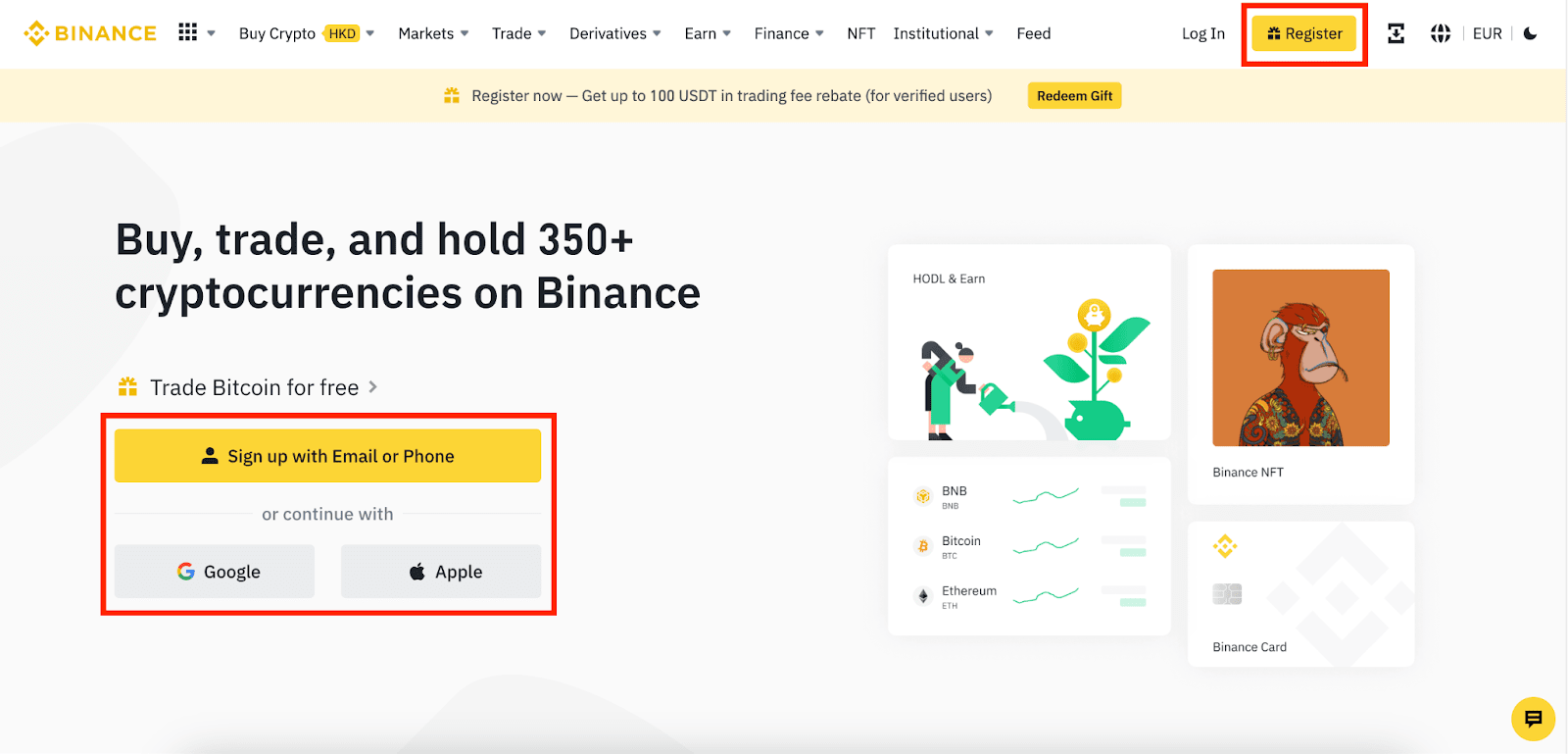
- Go to the Binance website and click on «Register» or choose a registration method directly: using an email, phone number, or Apple/Google account.
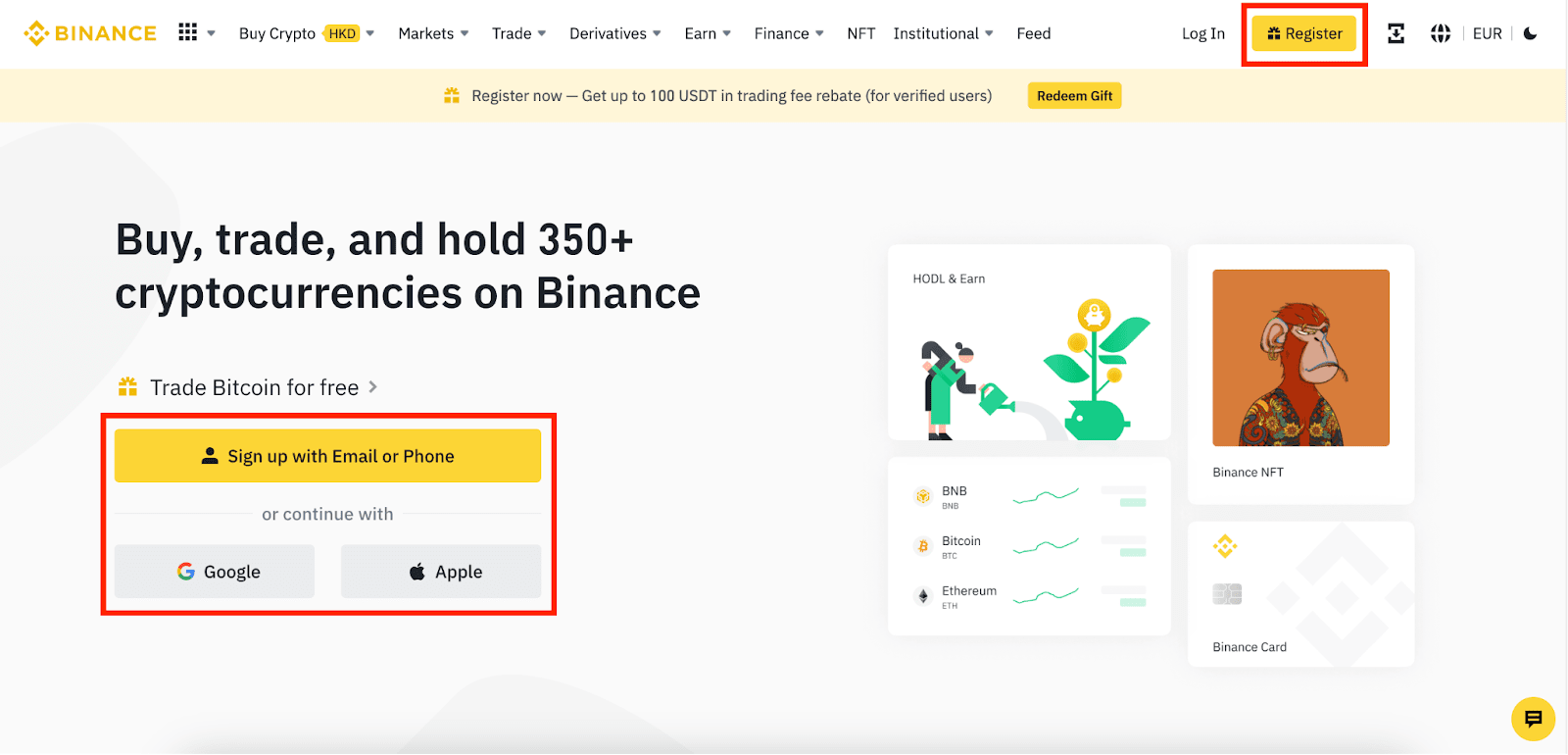
- Carefully choose the account type, as it cannot be changed after registration. If you want to create an organization account, go to the «Corporate Account» tab, where a detailed guide is provided.
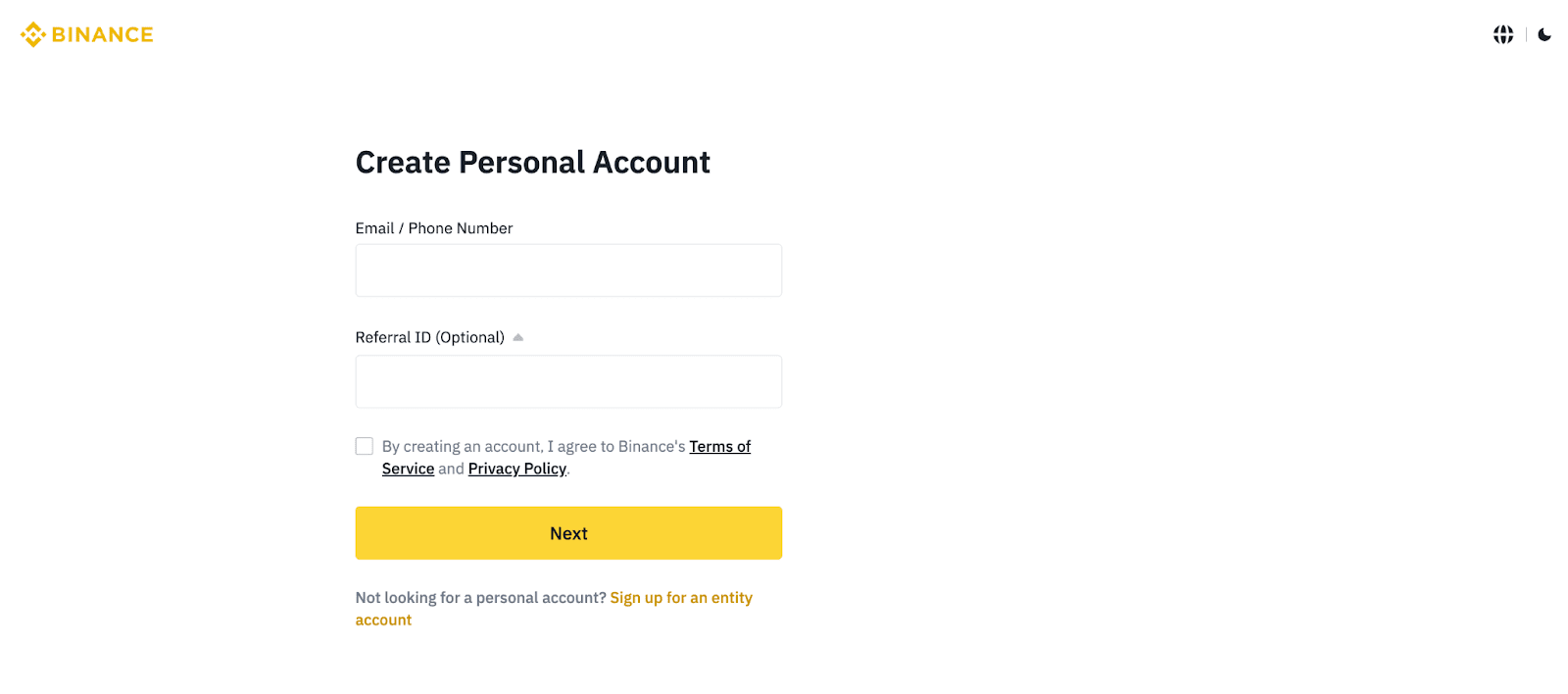
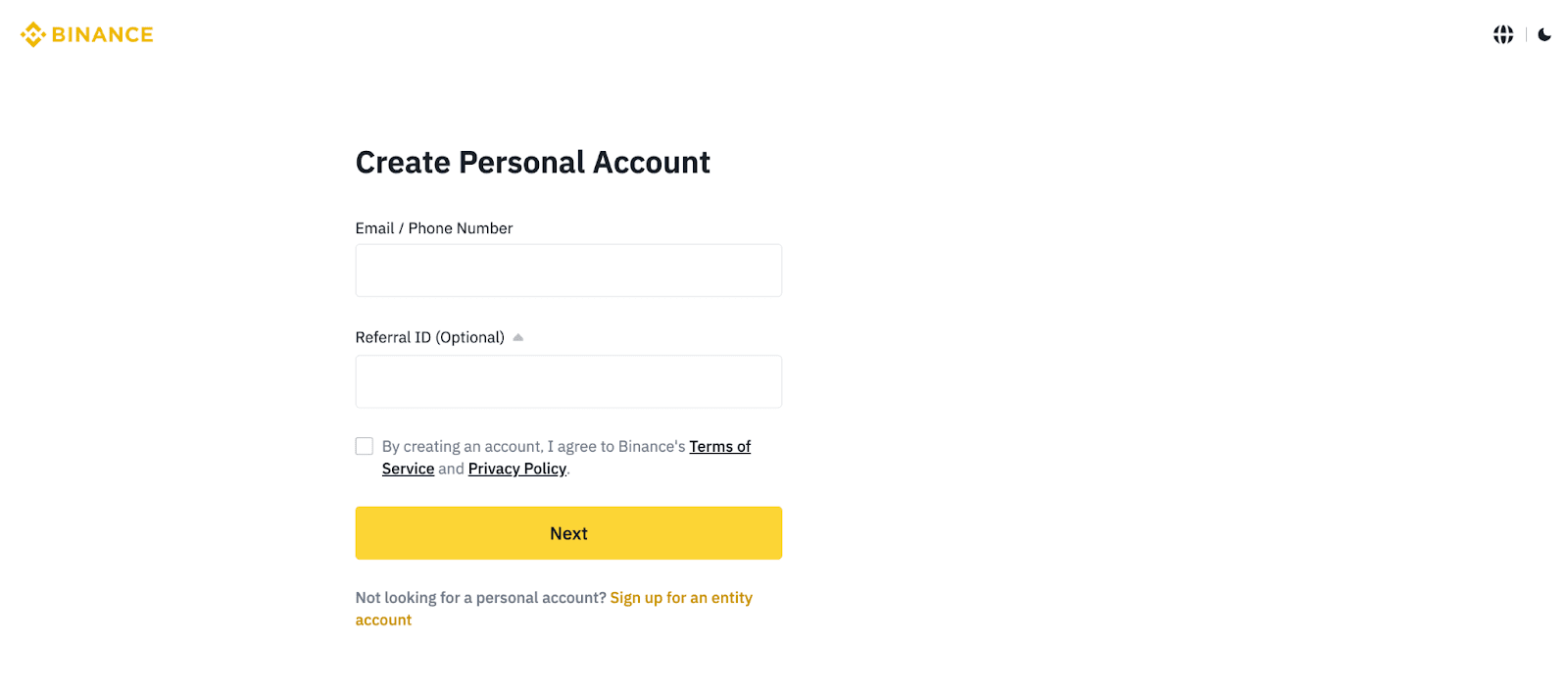
- Enter your email/phone number. Read and accept the Terms of Use and Privacy Policy, then click «Next.»
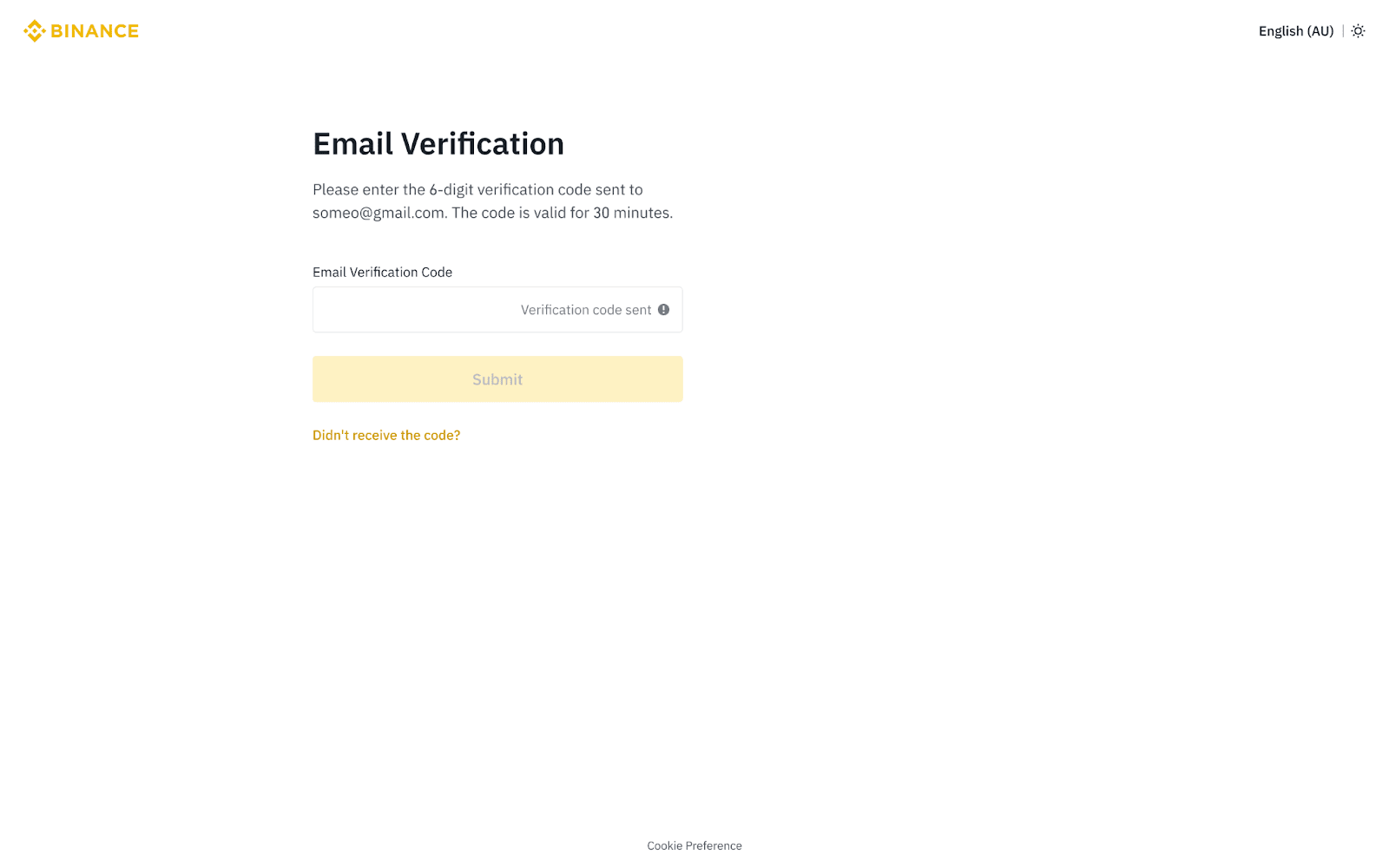
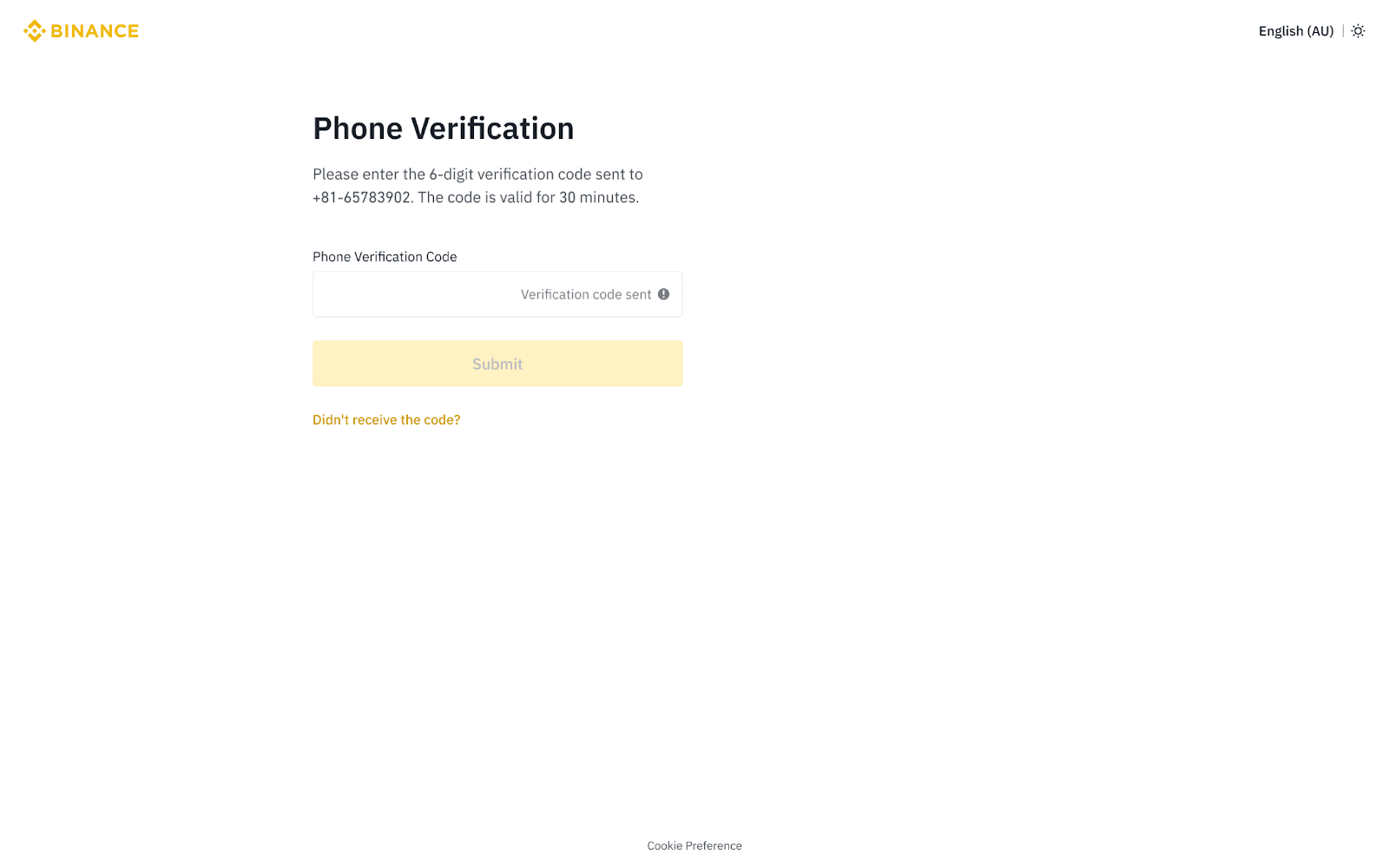
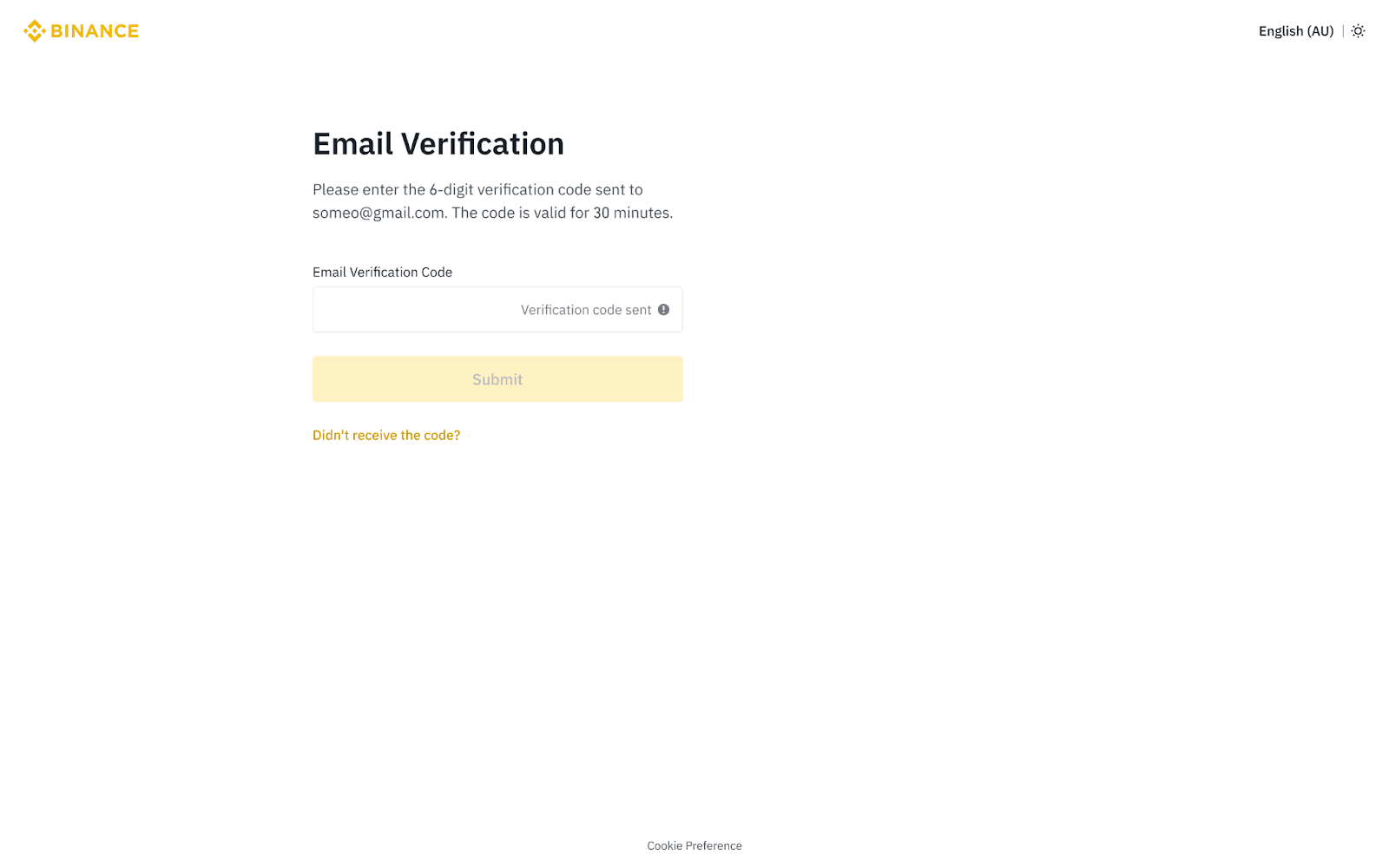
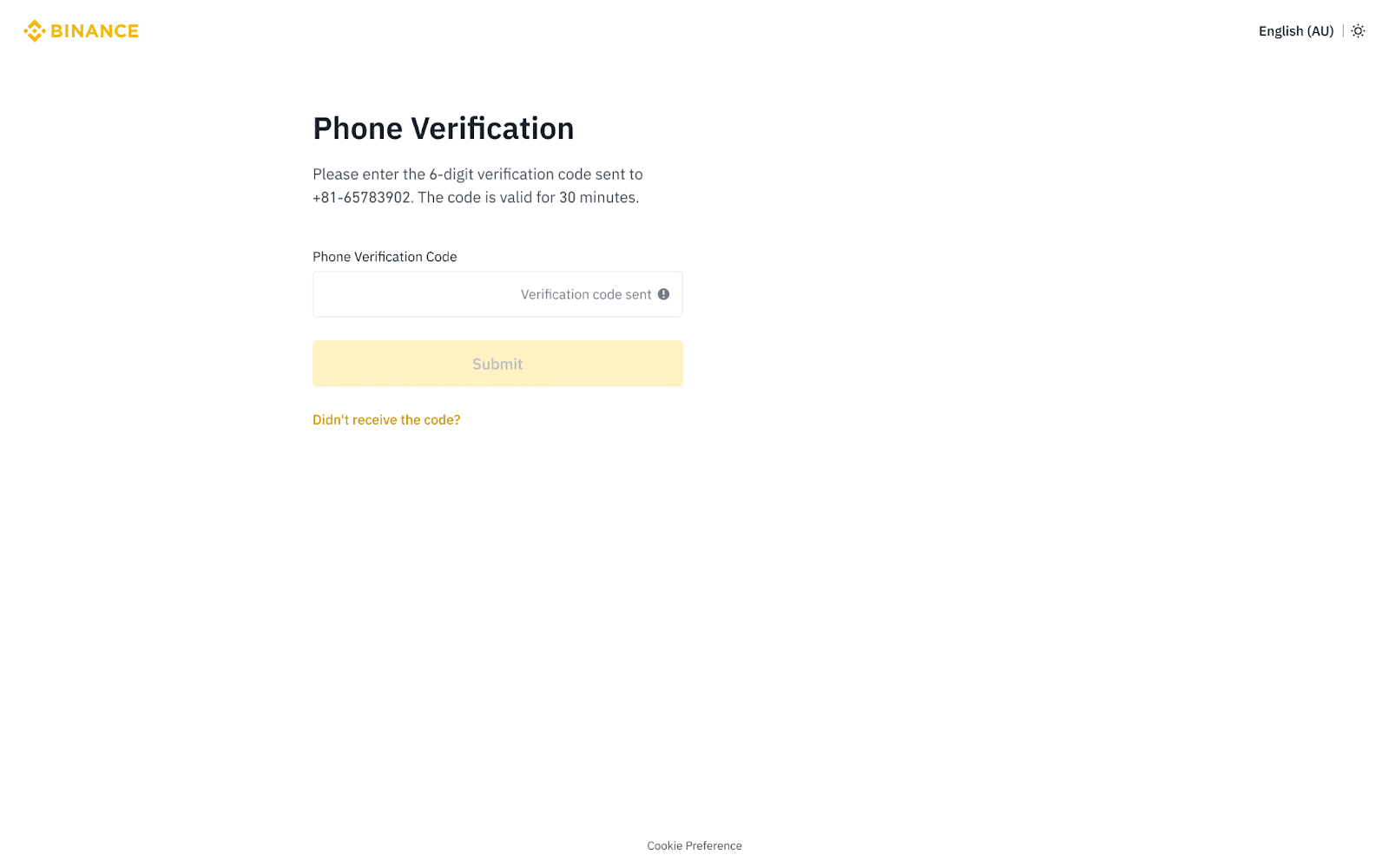
- A 6-digit verification code will be sent to your email or phone. Enter it within 30 minutes and click «Confirm.»
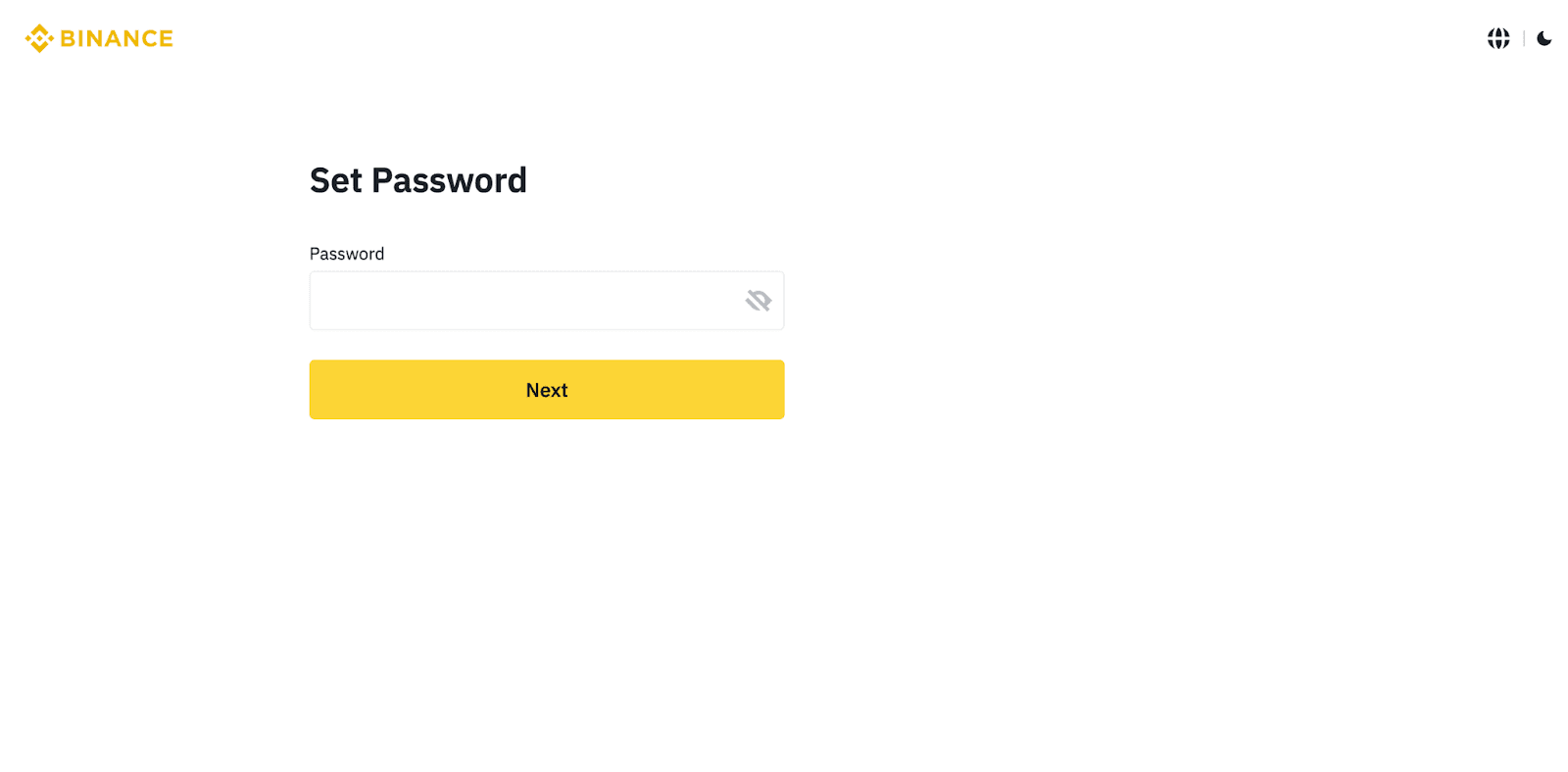
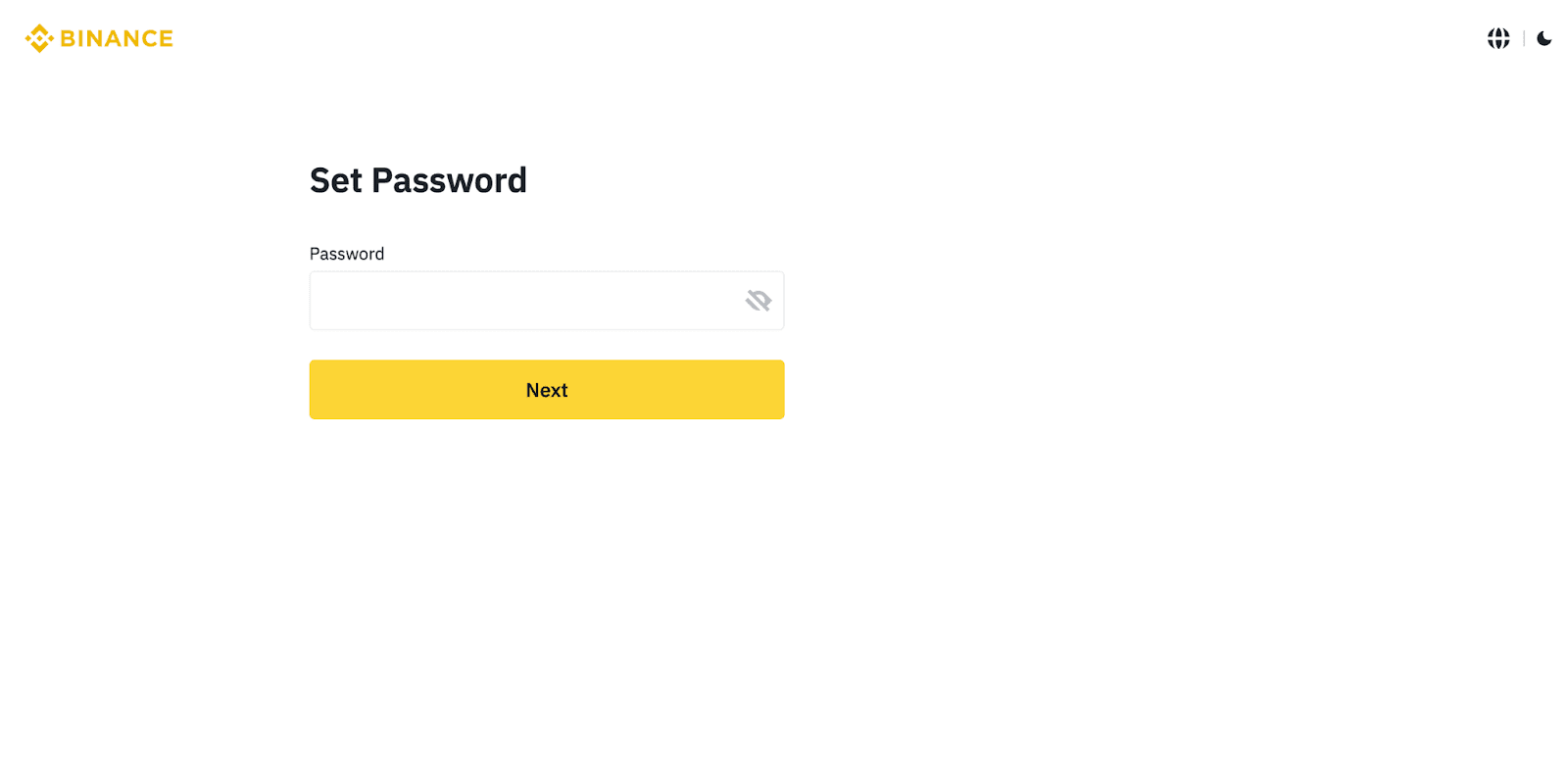
- Next, create a strong password. The password must contain at least eight characters, one uppercase letter, and one digit. Click «Next.»
- Congratulations! You have successfully created a Binance account.
en/h2k/instr/1/1/1/1.txt · Последнее изменение: 2024/09/09 08:20 — 127.0.0.1